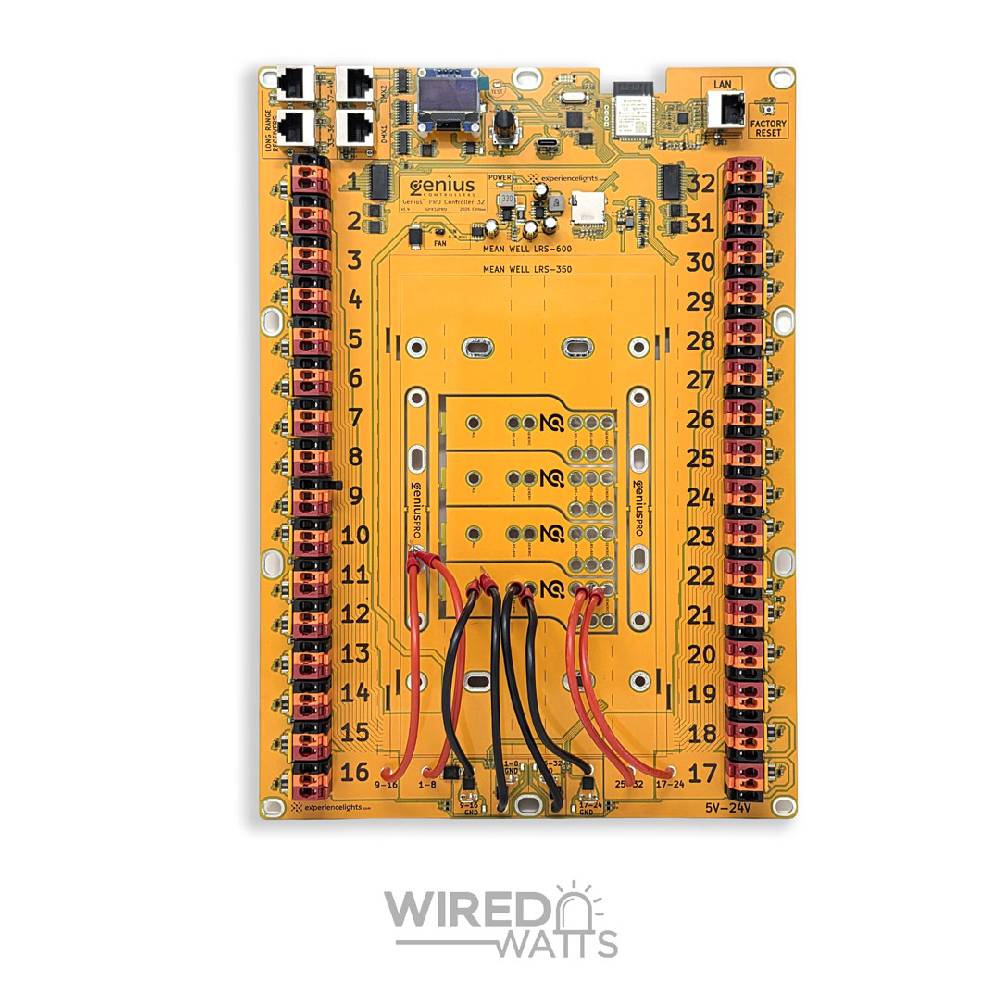
Product Overview
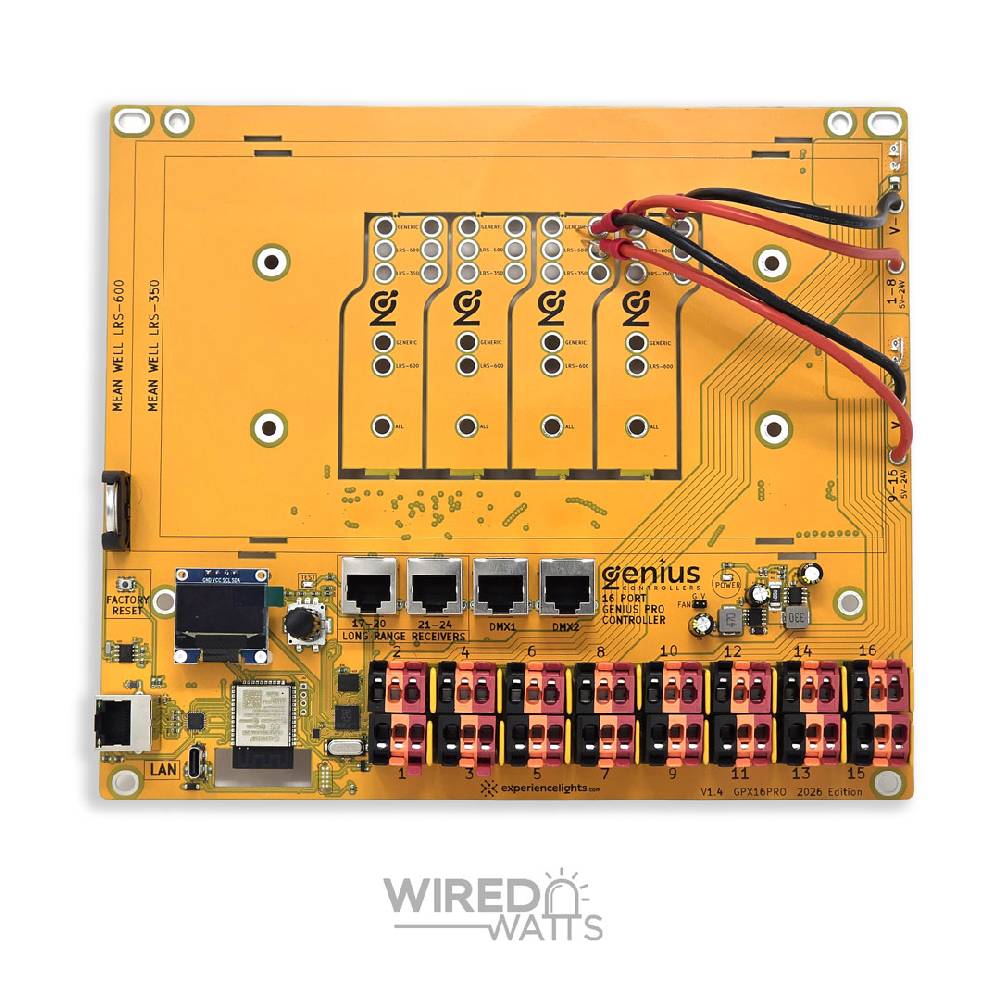
The Genius PRO allows for 1 or 2 power supplies to be mounted directly to the circuit board. Genius PRO features 4 break-away tabs on the bottom of the circuit board which, when used, allow stacking of two power supplies on top of each other. Also included with Genius PRO are pre-attached 12AWG 6" black and red wires with crimp connectors on the ends. This allows for fast connections to your power supply’s screw terminals, for a max current carrying capacity of 25A per wire pair.
Product Specifications
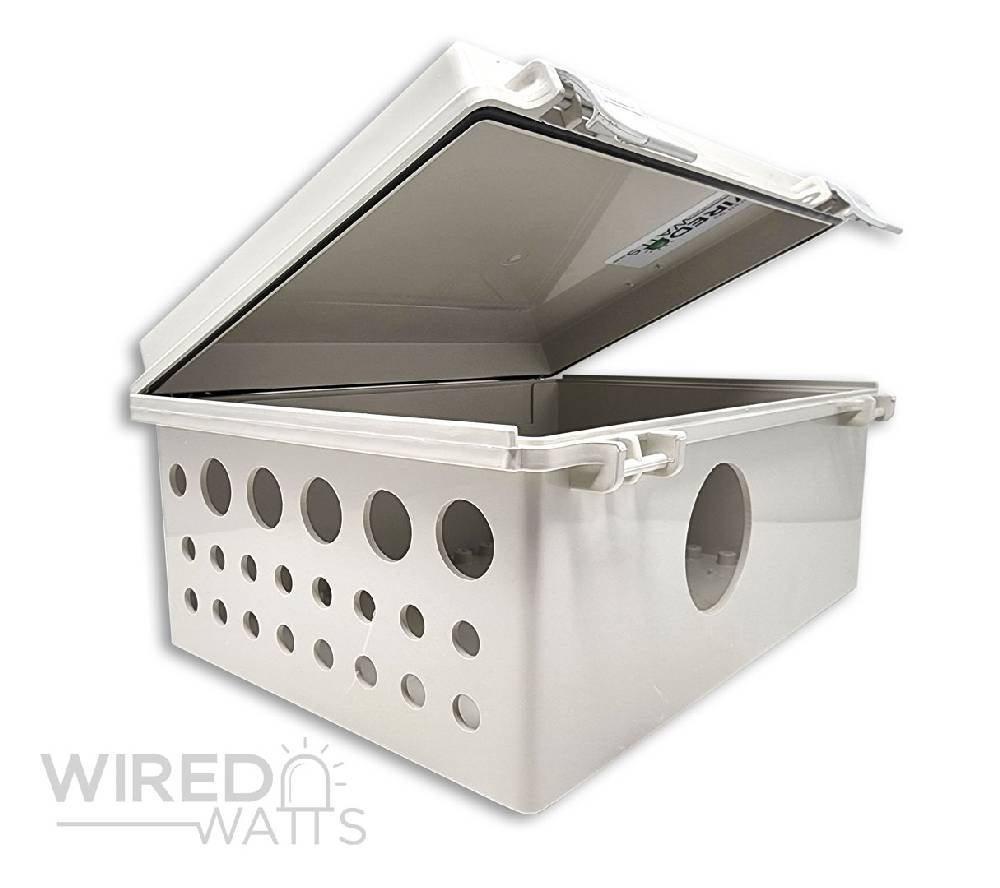
- Supported Enclosures: Bud Industries NBF-32022, YPS Medium Enclosure (WC-004-2), CG1500
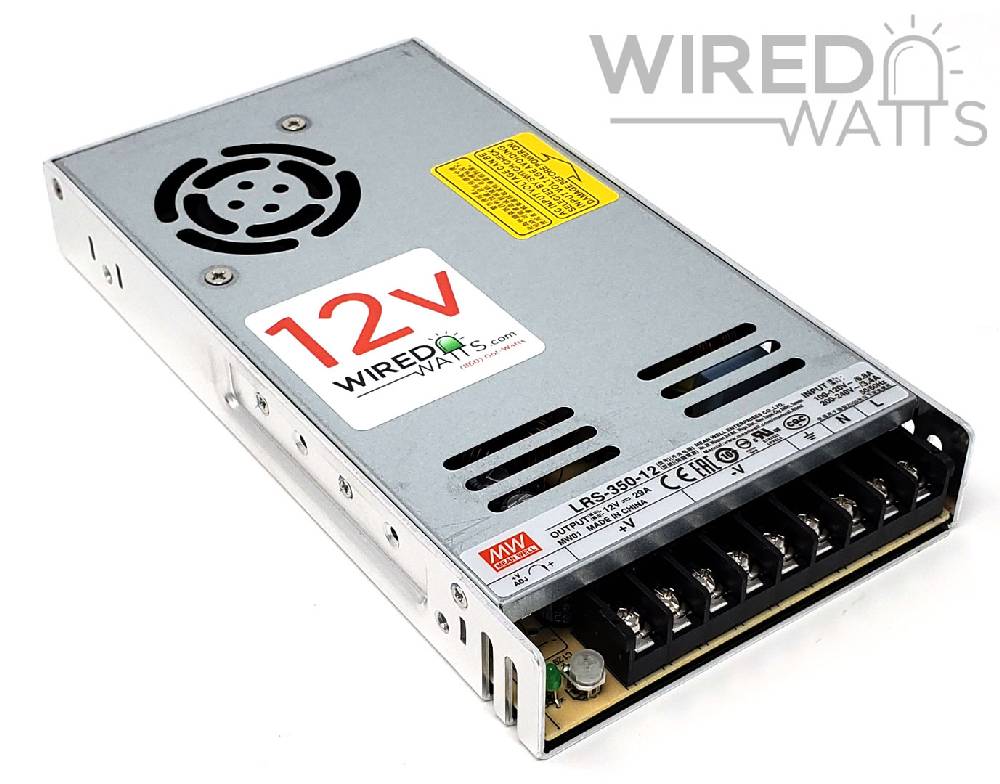
- Supported Power Supplies: Meanwell LRS-350 and LRS-600
- Genius Mounting System mounts 1 or 2 power supplies directly to the circuit board
- 2 x 6" black wire and 2 × 6" red wire with connectors pre-attached to the ends for quick power supply hookup
- Rotary knob for navigating menus on the OLED display
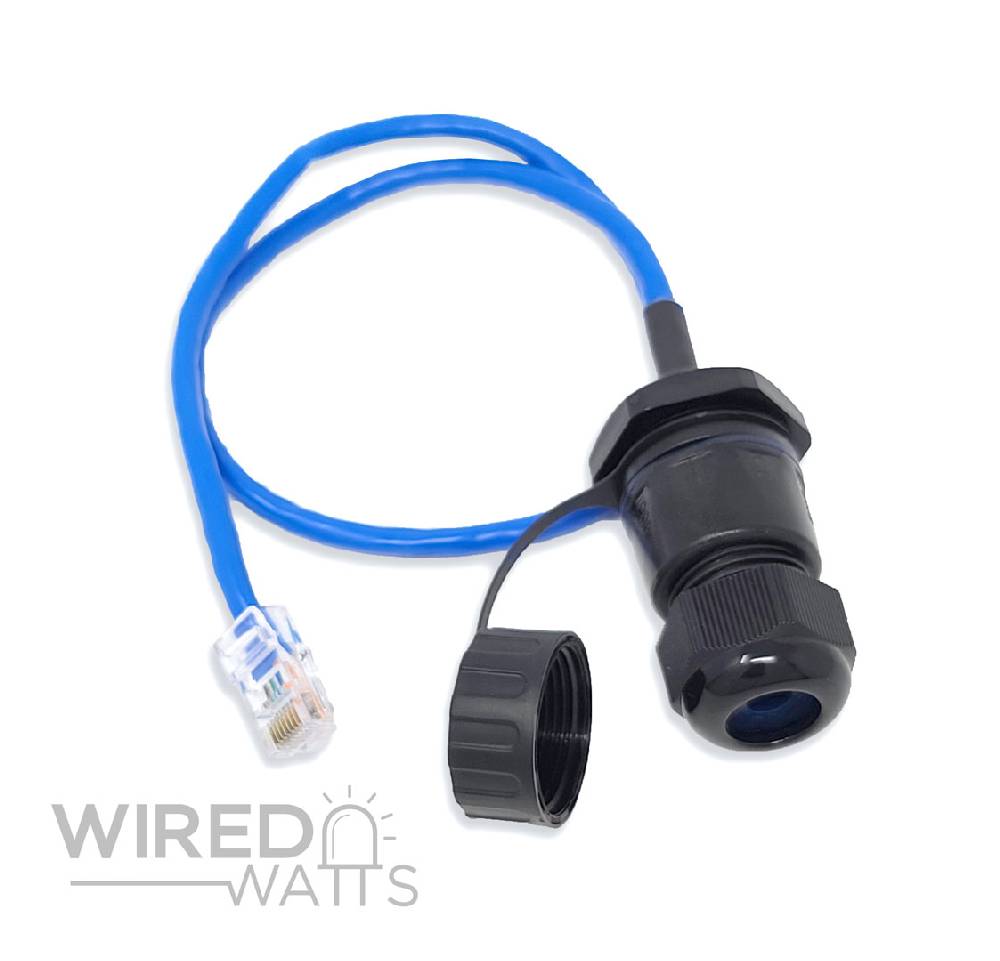
- 1 Ethernet Port
- Pre-defined hole patterns to fit neatly into an NBF-32022 bud box, CG-1500, or Your Pixel Store Medium Box (WC-004-2) enclosure
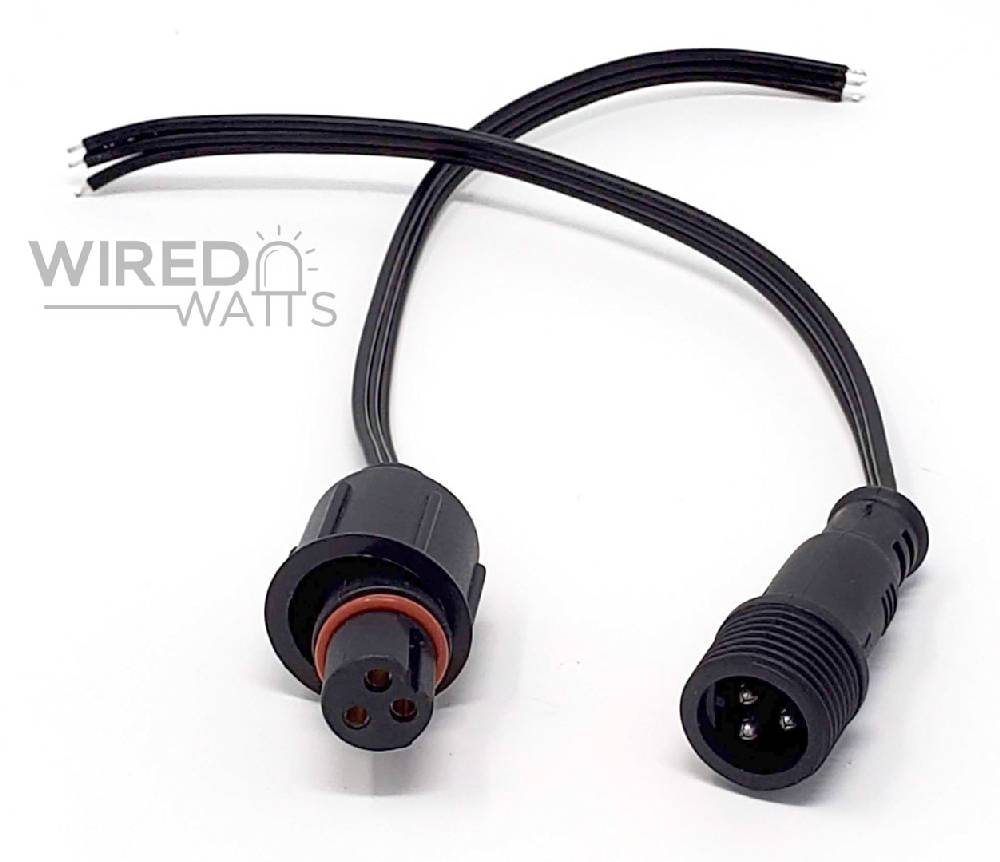
- 16 × 3-pin, extra large, color coded Clever Lock™ connectors (no phoenix connectors or screw down terminals)
- Power Banks provide full on/off power control to groups of outputs instead of 1-by-1.
- Max 4A per output.
- Supported protocols: DDP, E1.31, ArtNet
- Outputs the most common 3-wire WS281X pixel protocol
- Full range 5v-24v
- 2 × RJ45 ports for long range receivers
- 2 × RJ45 ports for DMX output
- Configuration can be done via your smartphone, tablet or PC over a wifi or wired connection
- Per port current monitoring (RTCM: Real time current Monitoring)
- Per port pixel counting
- SD card slot for standalone operation or to operate as FPP remote.
- Simple & fast over-the-air updates; with ability to easily roll back to previous firmware versions
- Rich JSON API
- Built-in test mode animations
- Seamlessly control up to ~10,000 pixels using E1.31 / ArtNet, or ~20,000 pixels using DDP
- No banks or groups. Pixels can be distributed however you'd like on any outputs, with any number of pixels assigned to each port
Instructions: https://experiencelights.com/firmware
Genius User Manual
Leave Review
You must be logged in to leave a review.